
Layer
retrieval
Can image models separate the parts of a finished design?
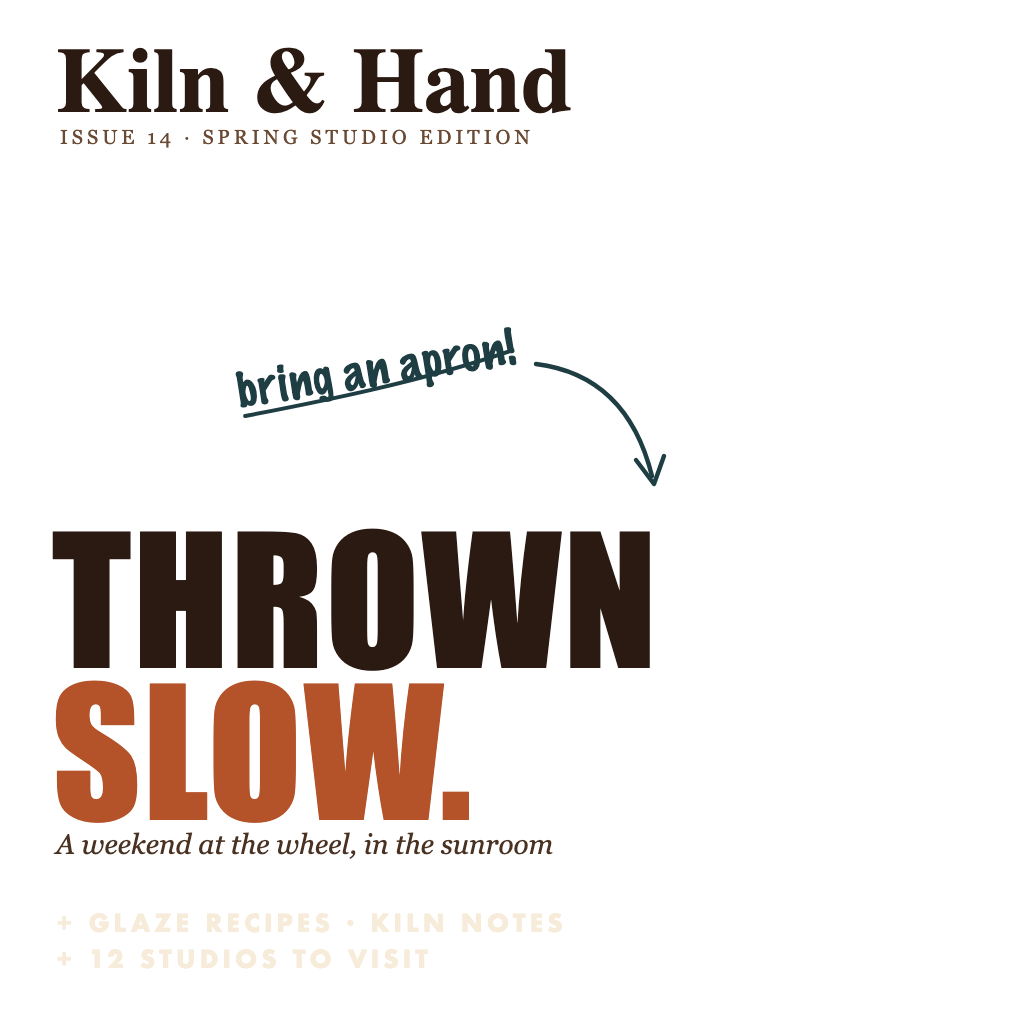
00 / Task definition
From pixels to a layer
1 · Build
Save the design parts
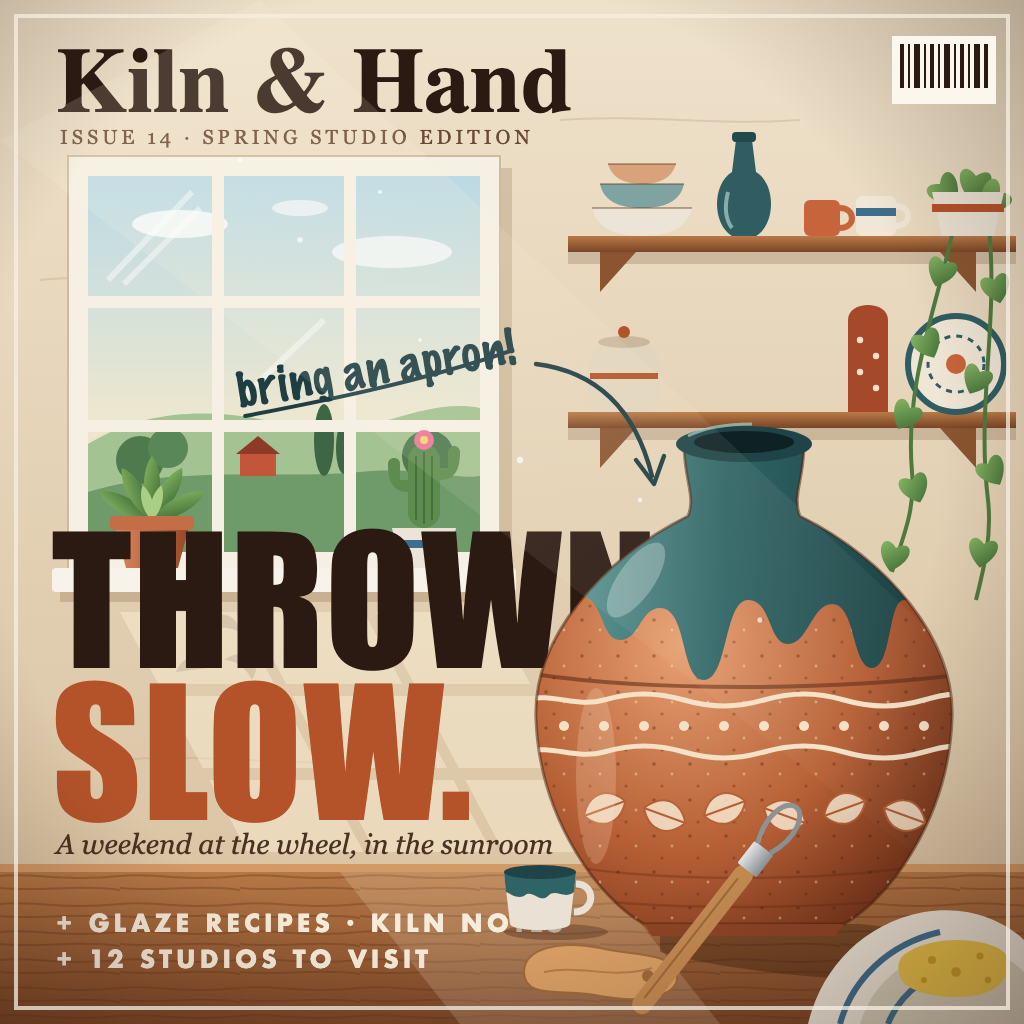
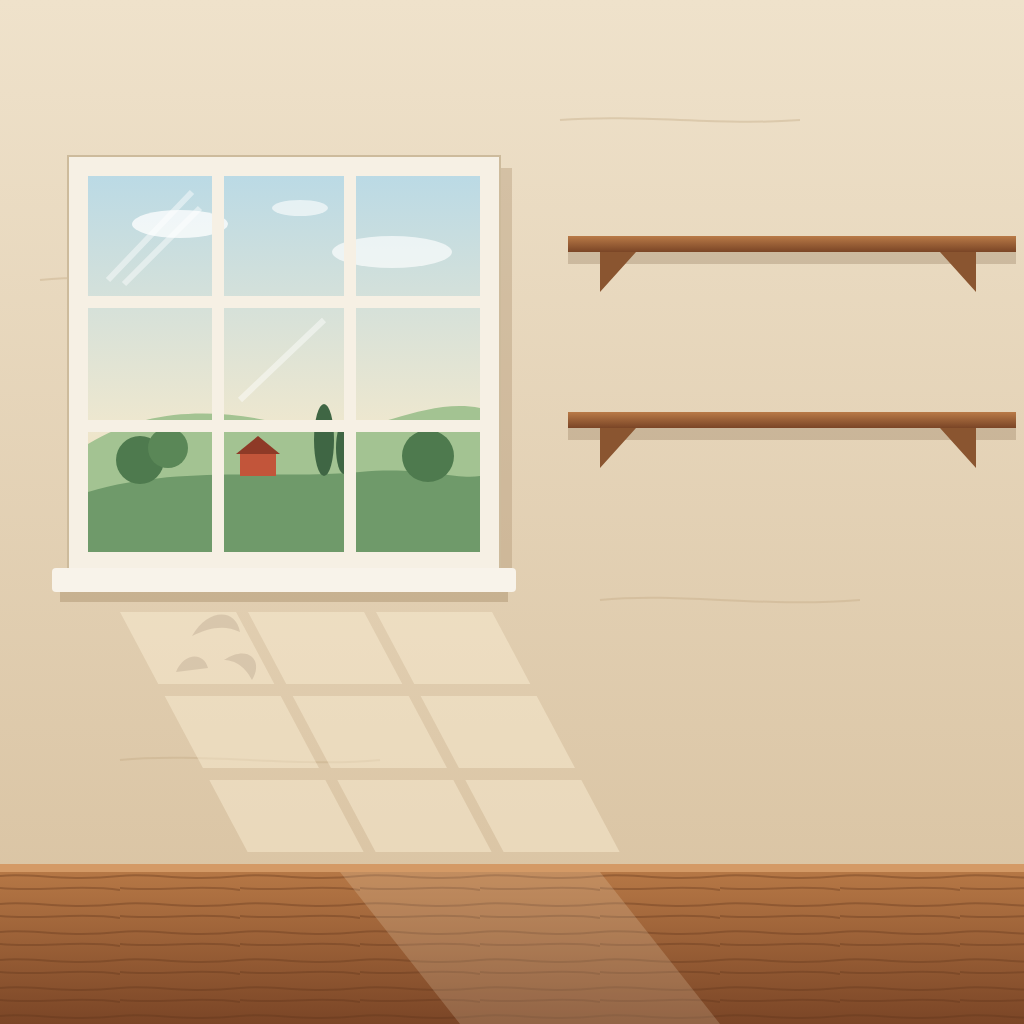
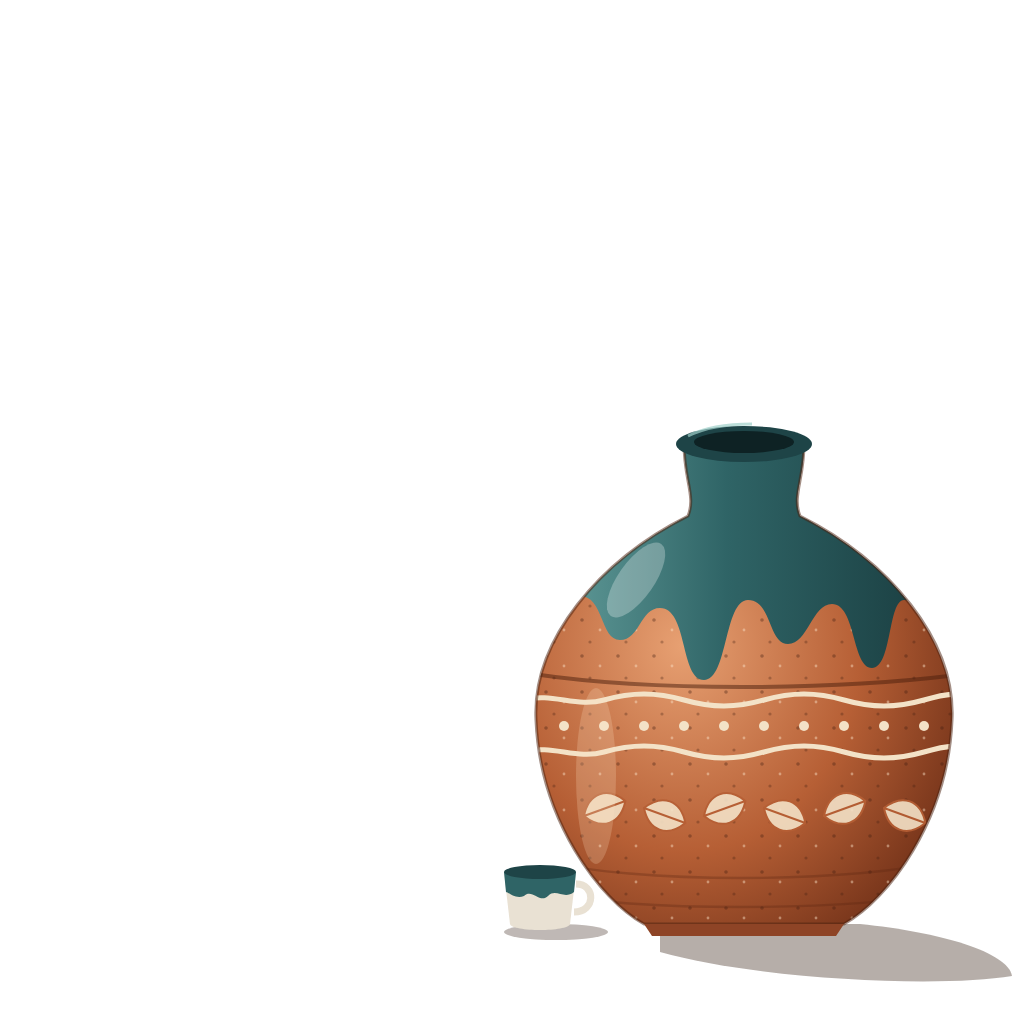
We make a finished design from separate artwork, background and text layers. Titles and details can be separate requests.
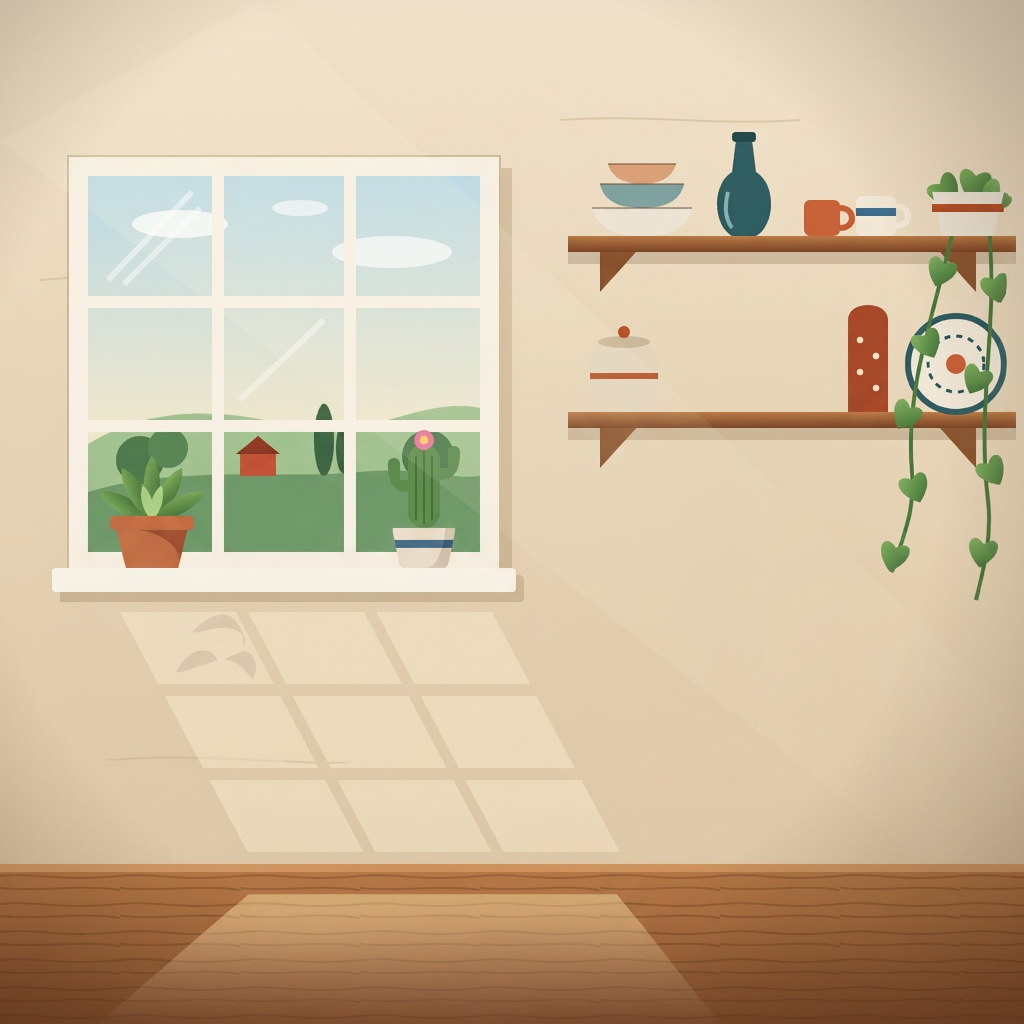 Nano Banana 2
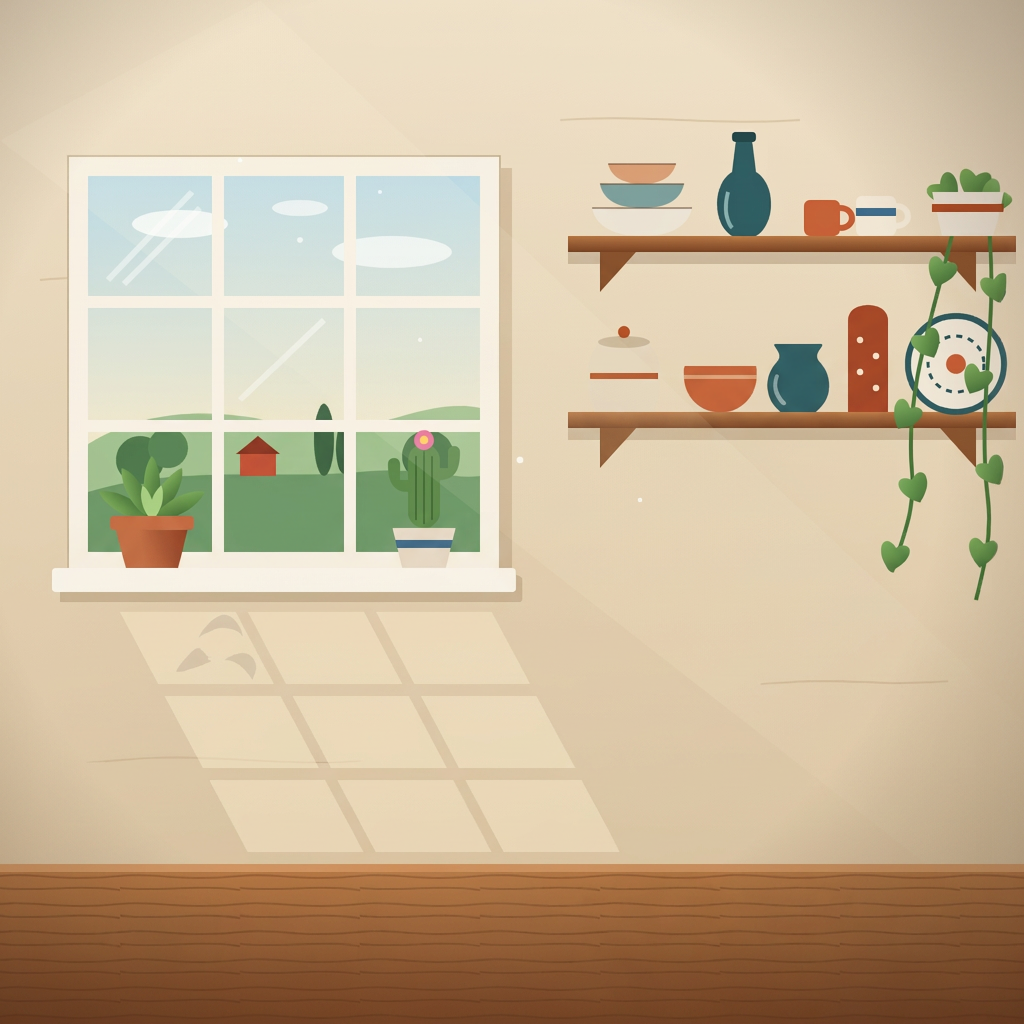 Gemini 3 Pro
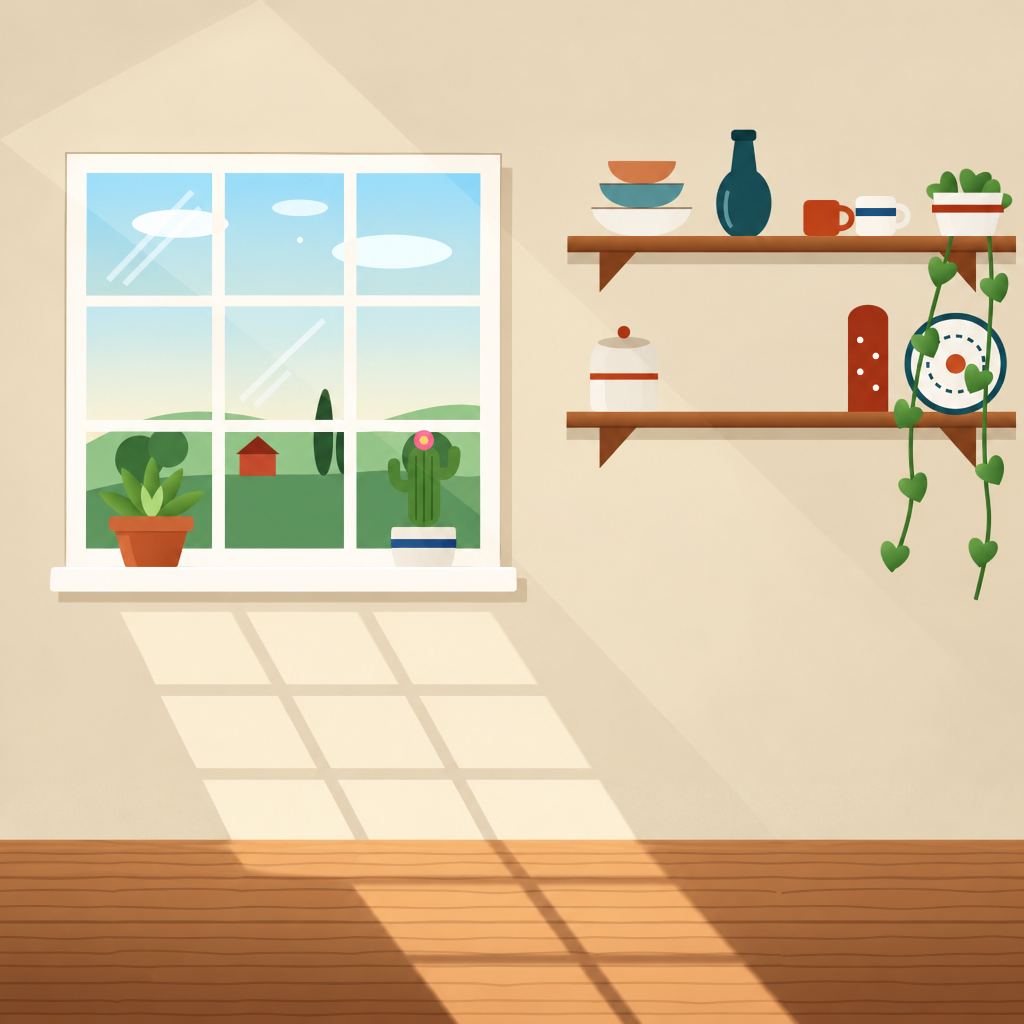 Sunburst
2 · Extract
Ask for one part
Three image models see the same flattened design and a short request for one named layer.
3 · Score
Compare with the saved part
We line up each output with the original layer and measure its pixels and shape.
01 / Model results
Model results
Separate useful parts of finished designs: artwork, backgrounds, titles and details.
Nano Banana 2
25.2%
Mean match within saved layers
Full canvas: 72.3%
Gemini 3 Pro Image
28.2%
Mean match within saved layers
Full canvas: 73.6%
GPT Image 2.5 Sunburst
11.3%
Mean match within saved layers
Full canvas: 67.5%
50 distinct designs across five categories, with ten designs in each and 90 scored layer requests in total. Each model saw a flattened 1024 × 1024 design and a one-sentence request for one part. We average the layers of each design first, then give each design equal weight. These means count matches within the saved layer, so empty transparency does not raise them. This is a selected set of practical tasks, not a random performance estimate.
02 / Scoring
How we score
We compare each extraction with the layer saved when the design was made. Every image is 1024 × 1024 pixels. A pixel matches when its alpha differs by at most 4 and its weighted RGB distance is at most 10.
Full canvas
Count close matches over every pixel. Shown for continuity, but empty transparency can raise it.
Saved layer pixels
Count matches only on nontransparent pixels in the saved layer. This is the displayed mean.
Isolation
Compare the visible areas of both layers. A full-canvas output gets 0 when the saved layer has transparency. This score does not check color.
In these formulas: P is every pixel. A contains pixels with saved-layer alpha of at least 128, including parts covered in the finished design. B contains output pixels with alpha of at least 128. If A and B are both empty, isolation is 100%. Exact background scores can penalize plausible fills behind a subject.
A design row averages its scored layers. A category bar averages ten design means, and the headline averages all 50 design means. Each design has equal weight. These averages use saved layer pixels (T), not full-canvas matches (M).
Exact pixel match rule
For each pixel, subtract the two 8-bit alpha values. For each RGB channel, first multiply its 8-bit value by alpha divided by 255, then subtract the two results.
A plausible image can still get a low exact-match score when its texture, placement, or lettering differs.
03 / Designs and layers
Explore the designs
Photo edits
Photos, titles, details and individually selectable design objects. 10 designs · 17 layers.
Swipe horizontally to see all model scores →
| Design · select a layer inside | Nano Banana 2 | Gemini 3 Pro Image | GPT Image 2.5 Sunburst |
|---|---|---|---|
| 0.0% | 0.0% | 0.0% | |
| 0.0% | 0.1% | 0.0% | |
| 2.2% | 13.3% | 2.1% | |
| 2.2% | 28.3% | 0.8% | |
| 34.7% | 0.0% | 0.0% | |
| 16.7% | 18.4% | 2.7% | |
| 39.6% | 2.0% | 0.7% | |
| 53.7% | 13.6% | 11.7% | |
| 60.4% | 62.4% | 2.3% | |
| 77.7% | 87.4% | 83.2% |
04 / Cost
Cost to repeat
List-rate estimate from the recorded token usage for one successful run of the 90 displayed cases.
| Model | 90 image edits |
|---|---|
| Nano Banana 2 | ≈ $6.17 |
| Gemini 3 Pro Image | ≈ $12.44 |
| GPT Image 2.5 Sunburst | ≈ $5.50 |
| All three models | ≈ $24.11 |
Standard global rates as of October 9, 2026. Includes recorded input, image output, and reasoning tokens where applicable. Excludes retries, failed requests, taxes, and account discounts; this is not an invoice. Google pricing · OpenAI pricing